Taiyaki 3D
AI concept-to-CAD for hardware teams
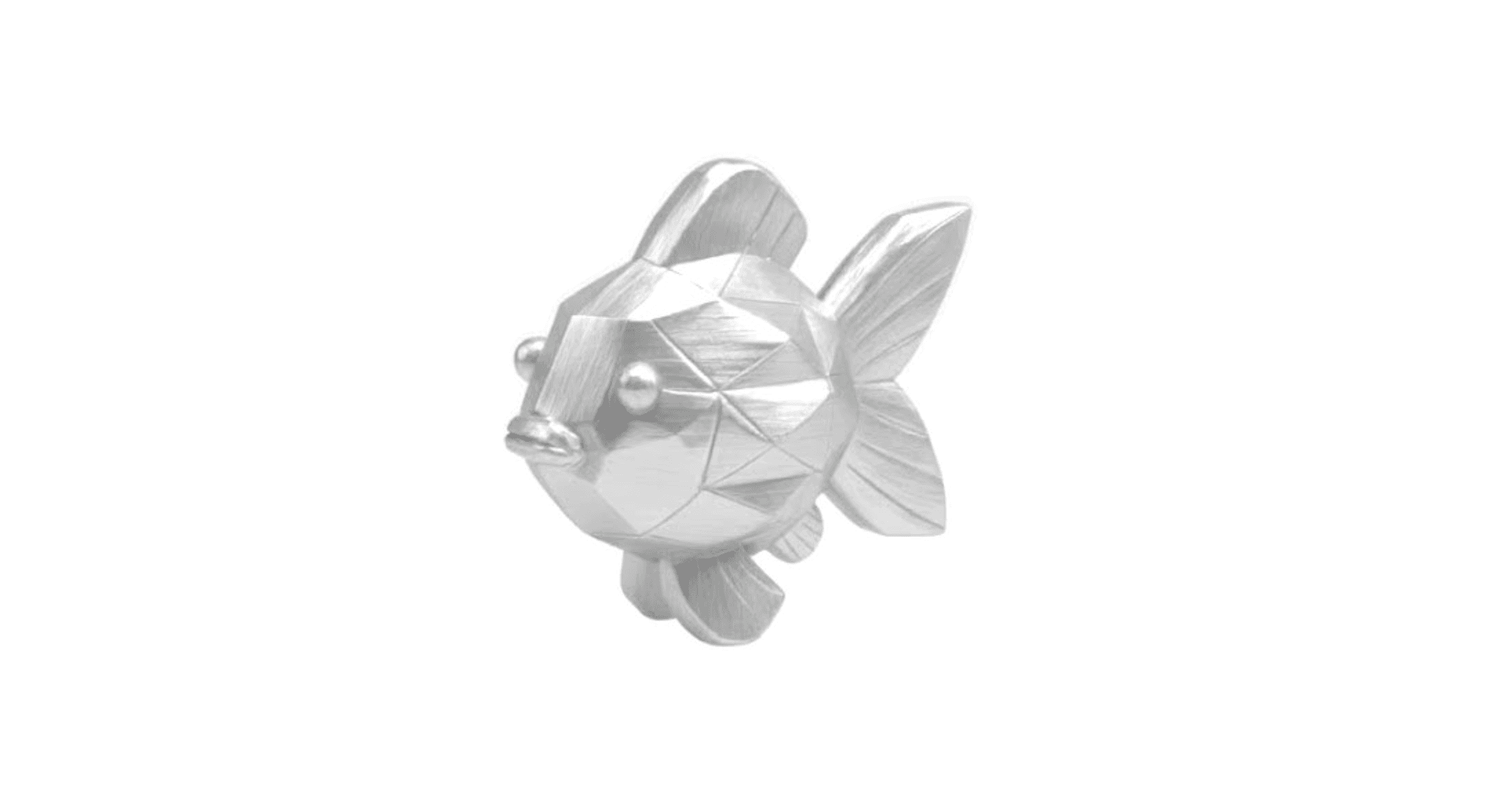
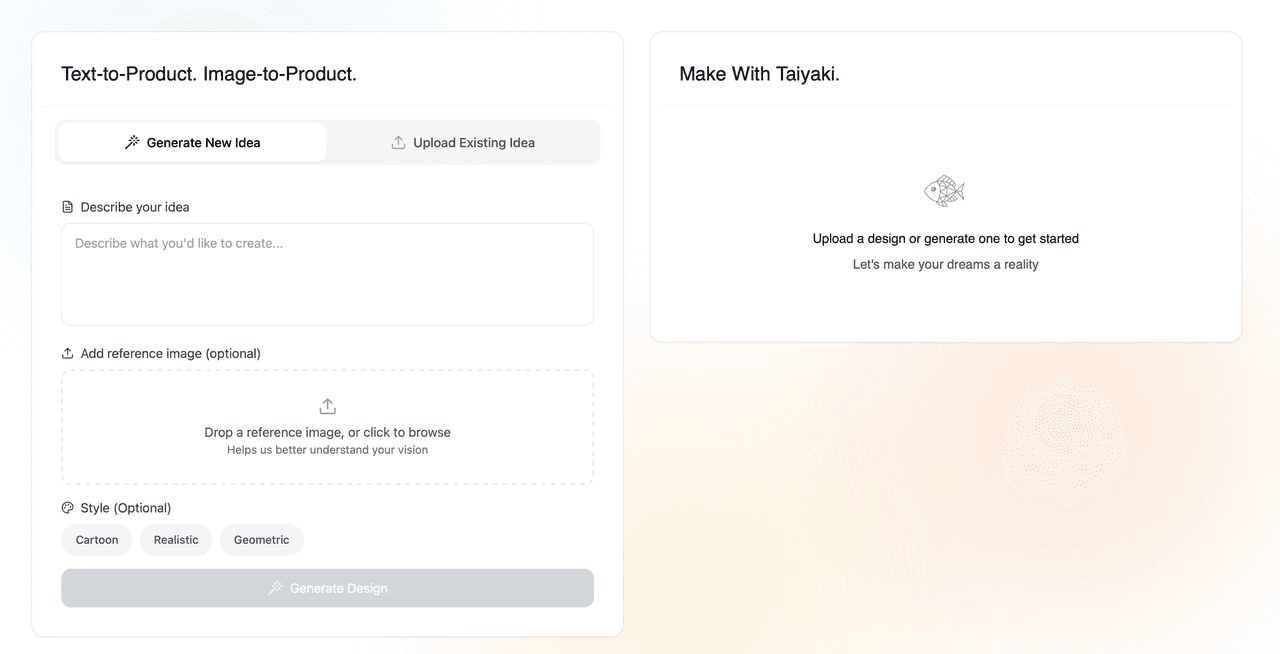
A concept-to-CAD system for hardware teams that generates editable 3D geometry from text, sketches, and reference images.
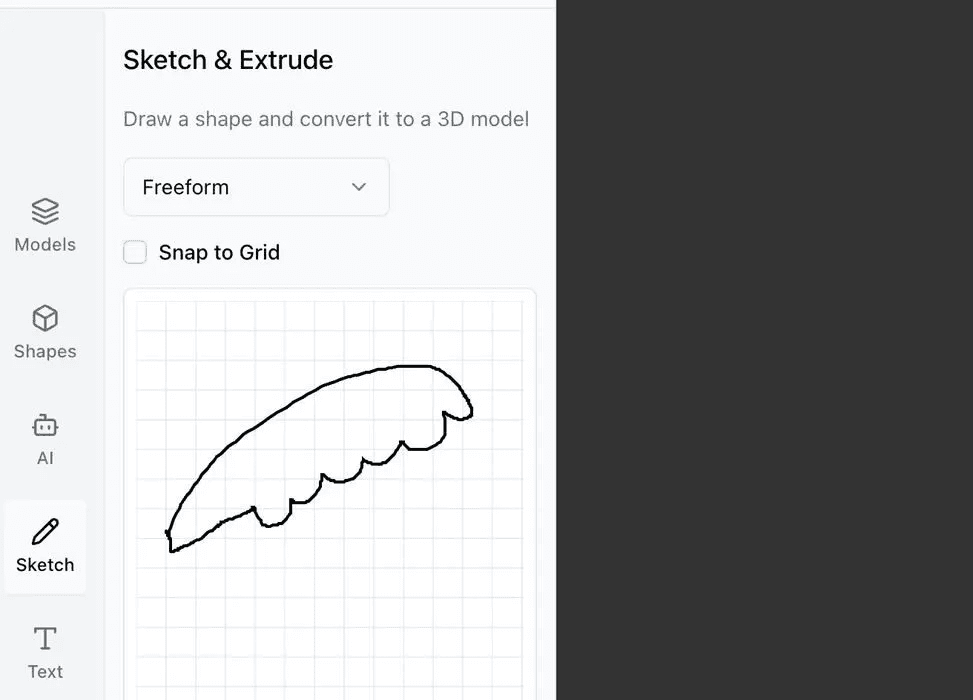
Taiyaki 3D collapses the gap between an idea and a CAD model. The early version turned a rough sketch or product photo into a starting mesh in seconds; the trajectory of the work was toward editable, parametric, manufacturable B-rep geometry.
Highlights
- Generates 3D geometry from text or images
- Output integrates with standard CAD workflows (STEP / IGES export)
- Built around real manufacturing constraints, not just visual fidelity
Technical overview
How the early system worked
- Image-conditioned generation extracted contours, proportions, and silhouette intent from the input
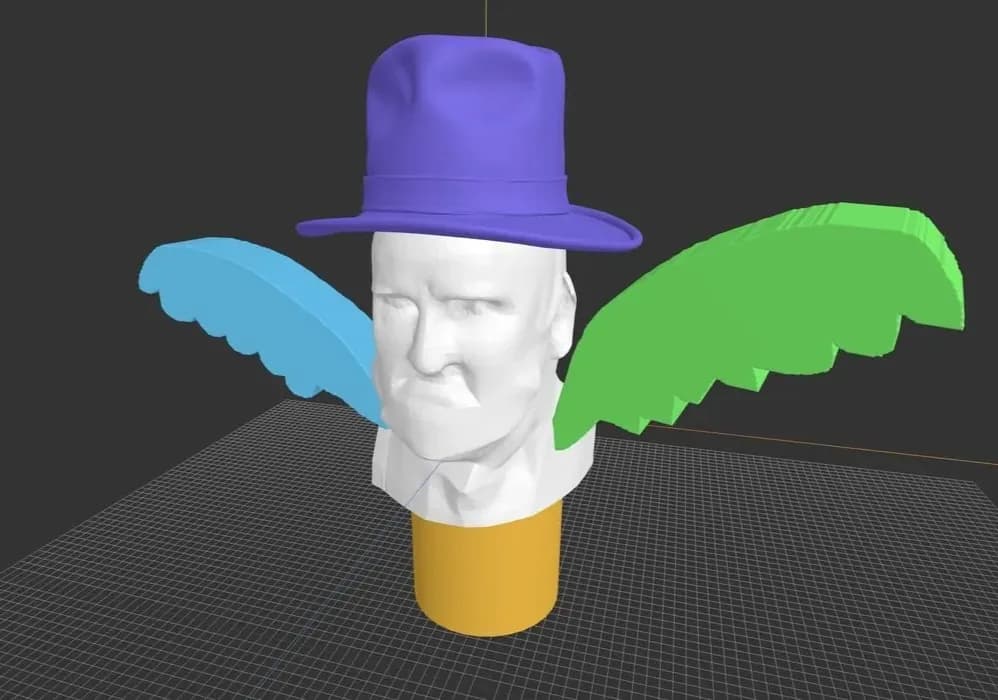
- A mesh generator produced a clean watertight body matched to the user's sketch or reference
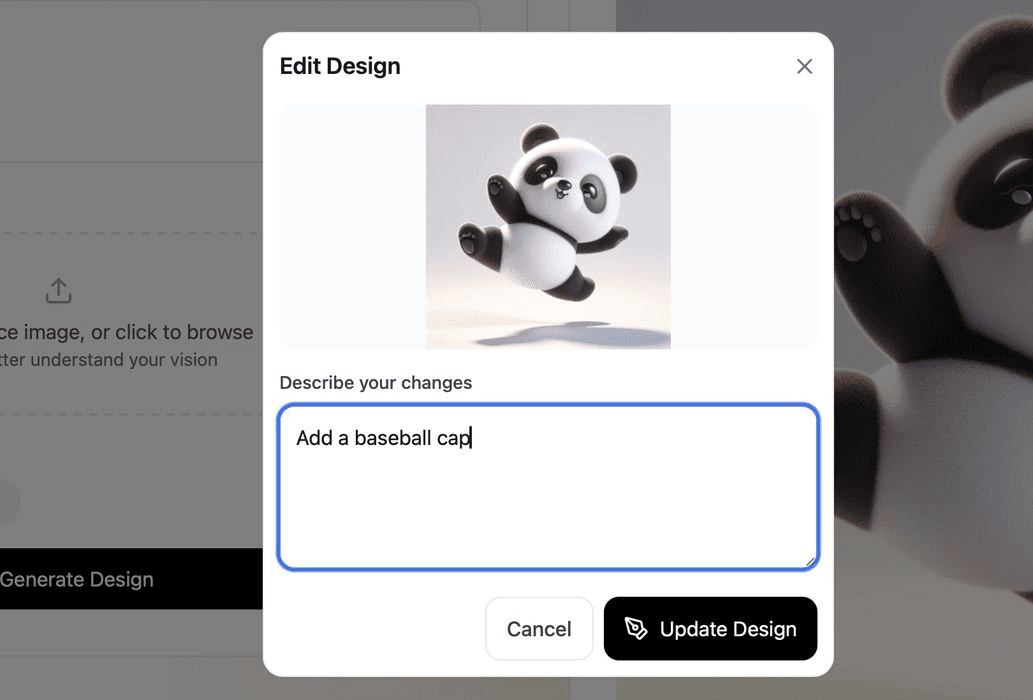
- The user could iterate quickly: shorten a feature, smooth an edge, add detail
- Output was a watertight triangle mesh ready for 3D printing or downstream cleanup in a traditional CAD tool
Where the system was headed
The bigger problem was not generating geometry but generating *editable* geometry. Hardware teams don't want a triangle soup; they want CAD they can adjust, version, and hand to manufacturing.
- Mesh-to-CAD conversion: turning generated meshes into B-rep solids with named features (walls, holes, fillets, shells, ribs)
- Feature recognition that lets the user re-edit dimensions on a model long after generation
- Manufacturability checks built into the pipeline (uniform wall thickness, draft on injection-molded features, clearance on hole patterns for fasteners)
- Step-by-step refinement so the user keeps iterating on the same model rather than re-generating from scratch
- Clean STEP / IGES export into SolidWorks, Fusion, Onshape, and into additive slicers
The goal was to evolve the system from "rough shape generator" to "the first 30% of a hardware team's CAD work, automated."